



This product · follows your selection above

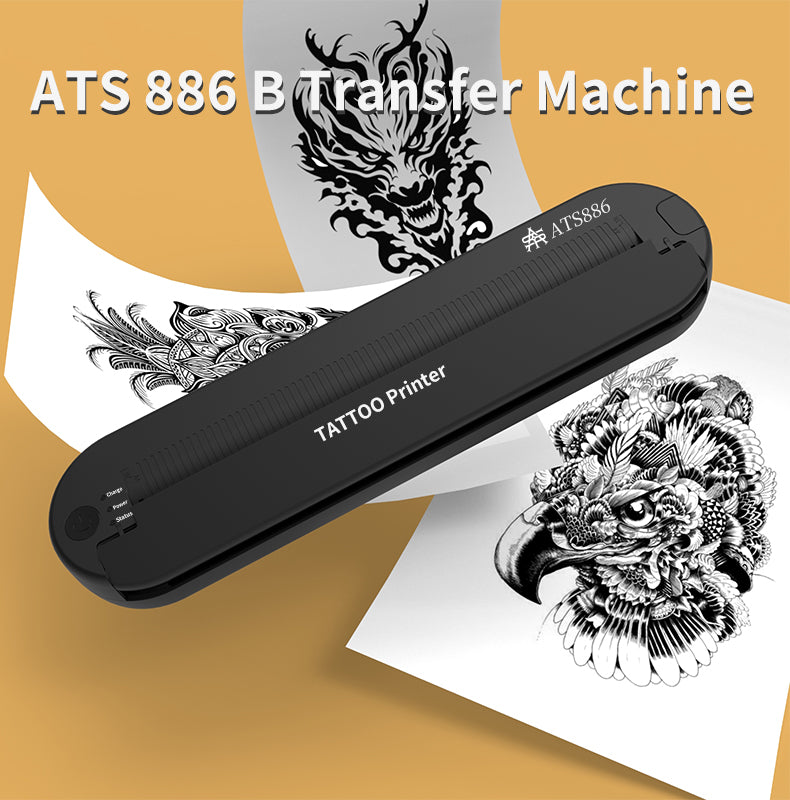
ATS Wireless Portable Tattoo Stencil Printer
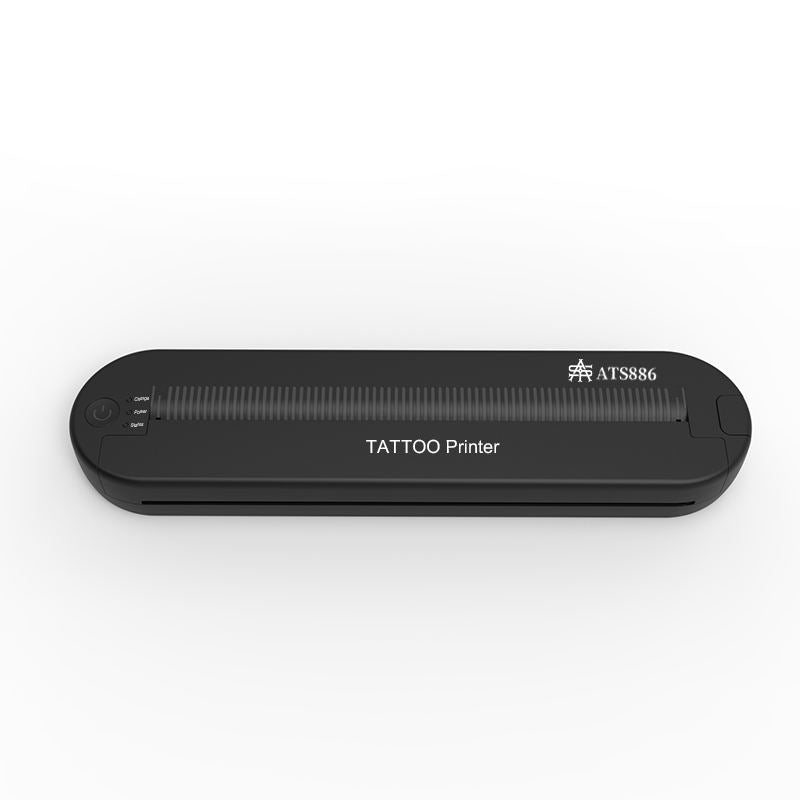
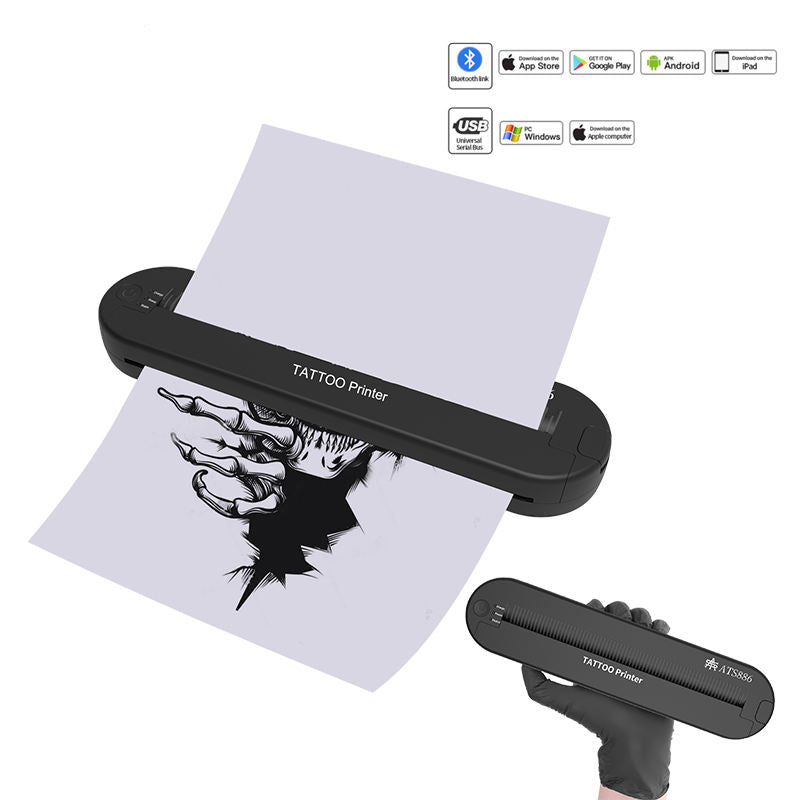
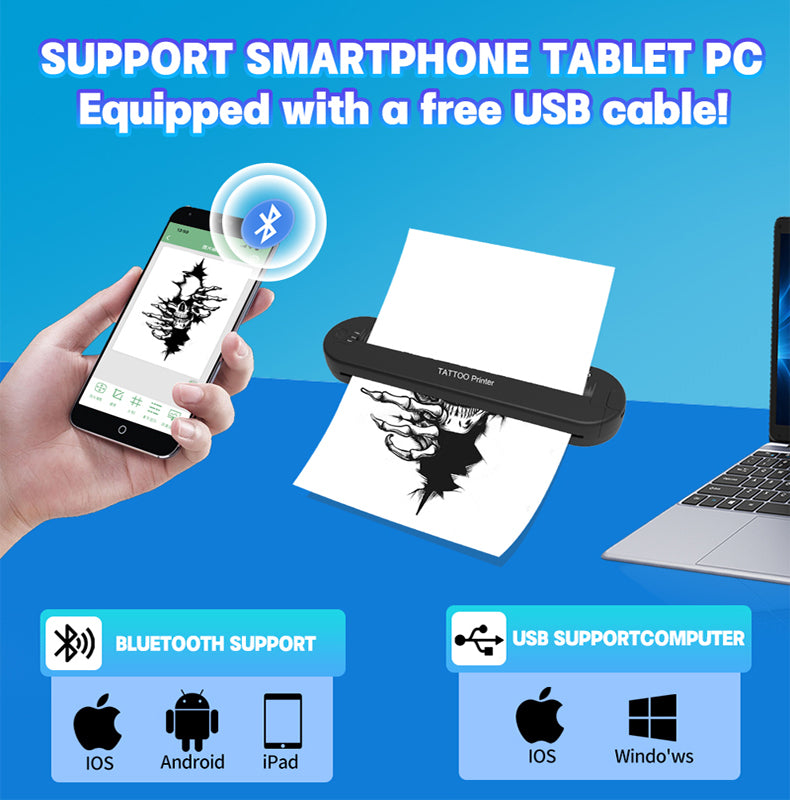
Move your digital outline into the stencil stage with a portable ATS wireless printer. Bluetooth gives your mobile design workflow a printing route; USB offers a computer connection. Choose it when your artwork is already prepared digitally and you want printing close to the working station.
Explore the stencil preparation workflowShipping options and final costs depend on your delivery destination and the products in your cart. Free-shipping thresholds vary by region. Check destination restrictions and current shipping thresholds, then review the available options at checkout.
Request a return within 30 days of receiving your order. Items must be new, in the original packaging, and include all accessories. For a change of mind, the buyer pays return shipping. Read the return policy.
WhatsApp: 0086 188 0749 9652
Email: ryan@attotattoo.com
YOUR WORKING SETUP
Keep your chosen equipment and add the supplies for the next stage of your work. Choose the sizes and quantities for your routine.
This product · follows your selection above

Keep A4 thermal paper ready for your next outlines. Choose the pack for how often you print.

Add transfer gel when your placement supplies need replenishing. Start with 30 ml or choose a larger bottle for regular use.
A well-prepared stencil lets you evaluate the design on its intended area before the needle work begins. Print at the working scale so the key landmarks, curves and line spacing can be assessed together during placement.
For detailed designs, prepare a clean stencil layer that makes the working lines easy to follow. Keep reference shading in your drawing reference and give the transfer a readable structure for the work you intend to perform.
Choose this model for a digital drawing routine that moves between a mobile device and a computer. Prepare the outline at its intended working size, then use the connection that fits where the design is stored. Bluetooth is useful for mobile preparation; USB serves the computer route.
Pair the printer with suitable thermal tattoo transfer paper, then choose a transfer preparation product for the surface. Printer, paper and preparation each serve a different stage: producing the outline, carrying it and placing it where you will work.
Explore stencil and transfer supplies to organise those stages in one working setup. Built to the highest professional quality standard, the ATS printer gives stencil production a dedicated place in that routine.
Choose the ATS wireless printer for your digital drawing and connection workflow. Prepare the design at working scale and bring its outline into the placement stage.
Use thermal tattoo transfer paper suitable for the printer. Choose the sheet format for the design size you print and keep the matching transfer preparation product with your stencil supplies.