Build the tattoo setup from machine to stencil and cartridge
Start with P3 Pro for adjustable stroke or Pulse for fixed 4.0 mm travel with frequency control. Prepare the outline with ATS Wireless and A4 thermal paper, then choose Thunder RS for compact colour areas or RM for broader shaded transitions. Each step has a specific place in the working setup.
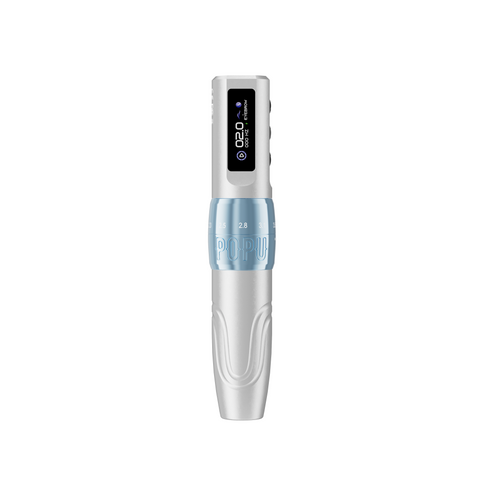
P3 Pro — our starting choice for a broad stroke range
Choose P3 Pro when one pen needs to move between your lining, shading and colour work. Its six settings span 2.0–4.2 mm, giving you a shorter-travel option as well as the longer end in the same machine. Choose Pen + Extra Power for a spare module ready to rotate; choose Pen when one module fits your charging routine.
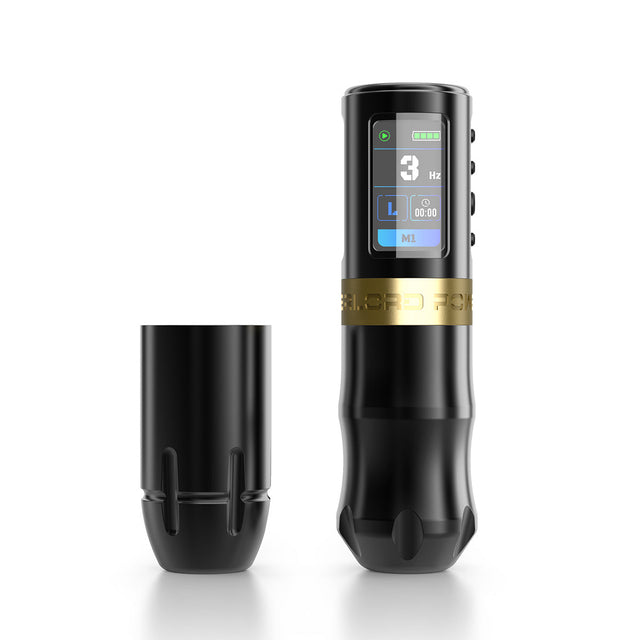
Pulse — keep a fixed stroke and adjust the working pace
Choose Pulse when a fixed 4.0 mm stroke suits your technique and you want control over the cycling pace. Its 3–150 Hz frequency control and L lining / S shading modes organise the move from outlines to shaded sections on one wireless pen.
Choose two batteries for a spare ready to rotate, or one for a compact power setup.
Choose ATS Wireless for standard-format stencil preparation, with Bluetooth for mobile printing and USB for a computer workflow. Pair it with A4 thermal paper; choose A3 when your design needs a wider continuous sheet.
A4 sheets — our starting choice for regular printing
Choose individual A4 thermal sheets for a fixed-page printing routine. The 10- and 20-sheet packs let you start with a smaller supply; 30, 40 and 100 sheets keep more paper ready for regular appointments, revisions and repeat prints. Start here when your designs fit A4 and your printer feeds individual sheets.
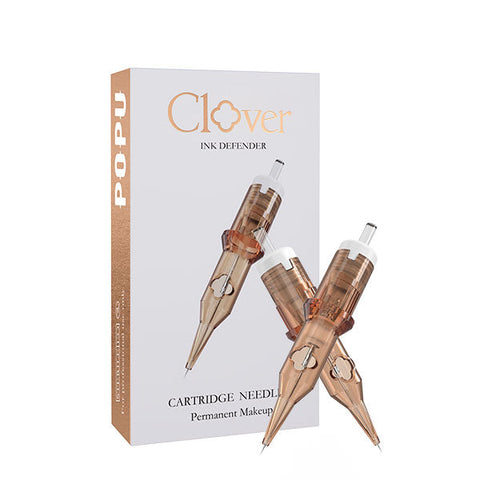
Thunder Pro RS — fill the smaller parts of the drawing
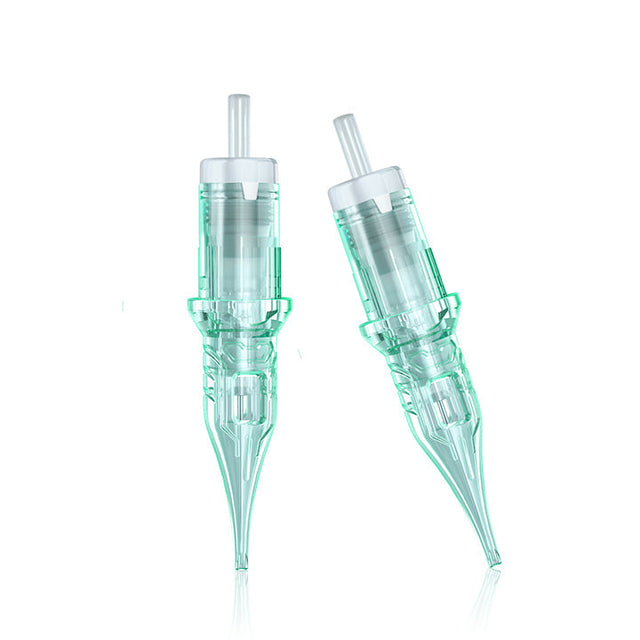
Start with 1003RS for small local fills and texture, or 1005RS for more coverage within a round footprint. Both use 0.30 mm needles, so the count changes while the diameter stays comparable. For a fuller needle body, compare 1205RS / 0.35 mm with the same five points.
Choose RS for compact colour areas, local texture and controlled shading within the contour.
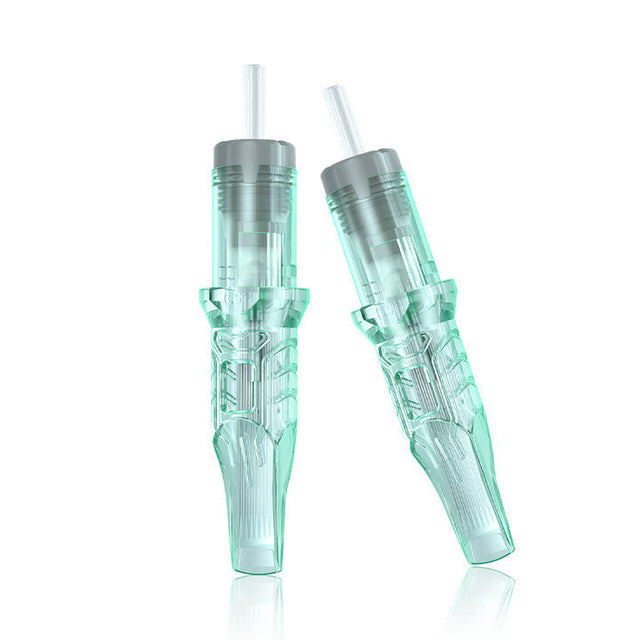
Thunder Pro RM — give gradients a curved working edge
Choose 1005RM or 1007RM / 0.30 mm for smaller shaded sections and blended backgrounds. The curved tip profile serves soft-edge colour transitions; increase the grouping as the shaded area widens. Compare the same count in 0.35 mm when you want a fuller needle body.